

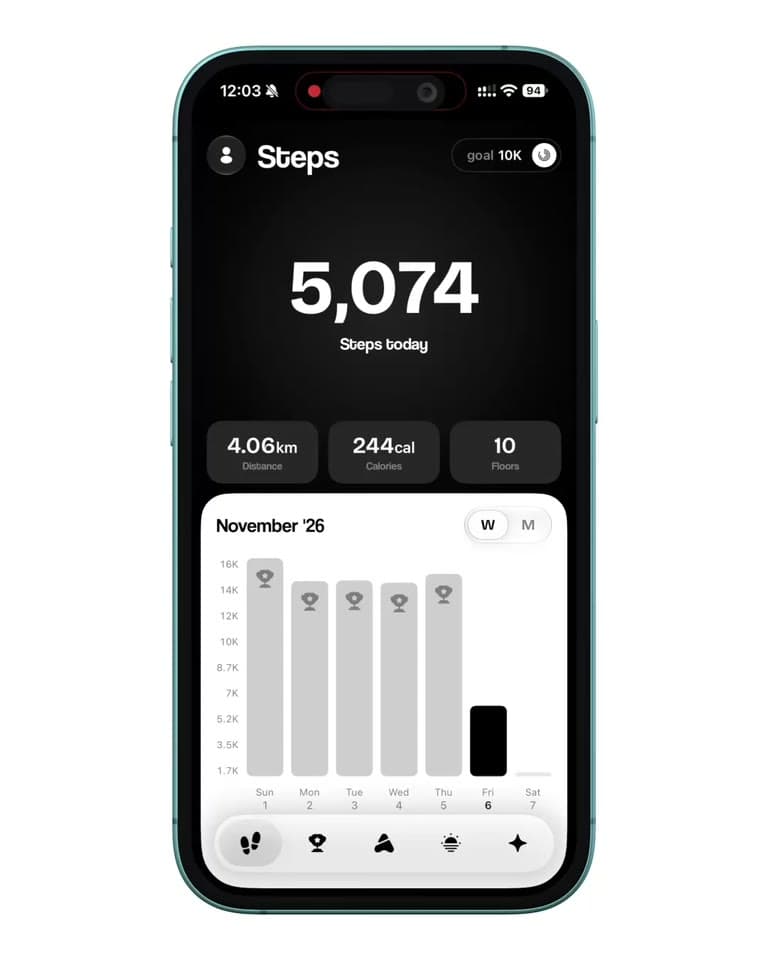
Today, at a glance.
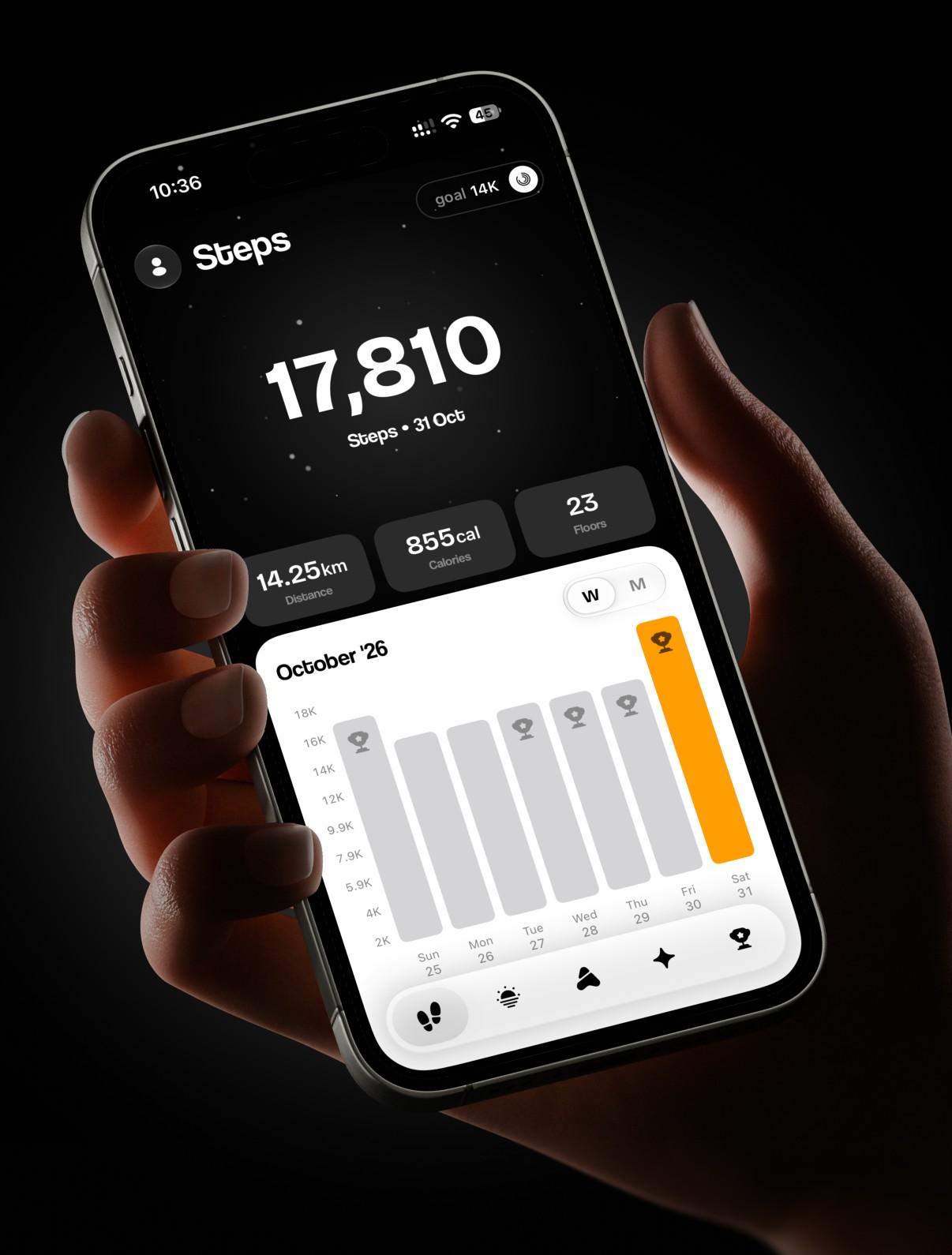
Steps, distance, calories and flights straight from Apple Health. Day, week, month and year views, and a calendar of every day you've walked.
StepUp reads your real history and builds a week of targets you can actually hit.

,,,,,,,,
A step count says how much. These say whether you’re getting better, down to the same walk getting easier. Hover or tap one to see it.
Features that turn a step count into real progress. Every one starts free, and Pro unlocks the rest.
Steps, distance, calories and flights straight from Apple Health. Day, week, month and year views, and a calendar of every day you've walked.
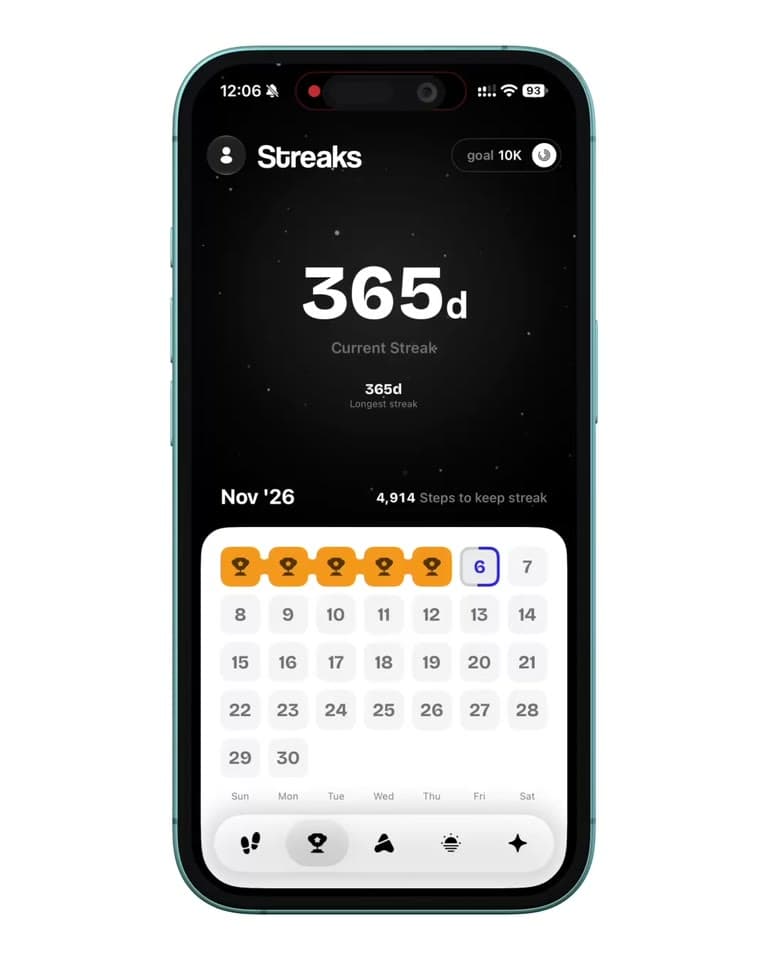
Keep the run going, chase your best, and see exactly how many steps keep it alive tonight.
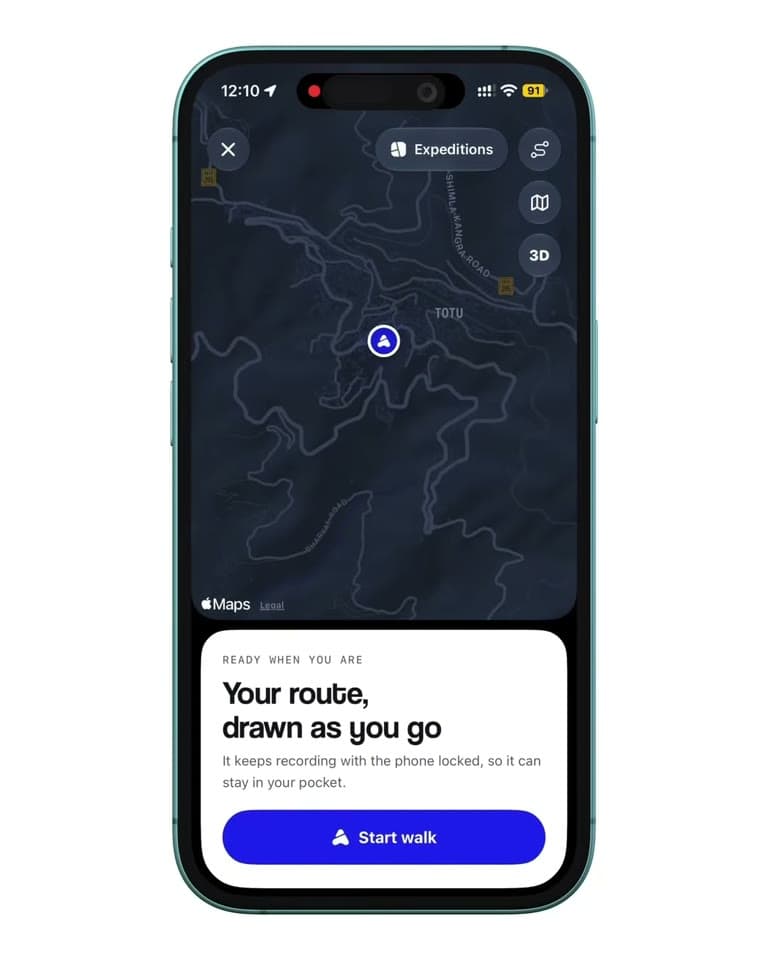
Record a walk with its route, even with the phone locked in your pocket. Then replay it as it went, quicker where it was brisk and slower up a hill.
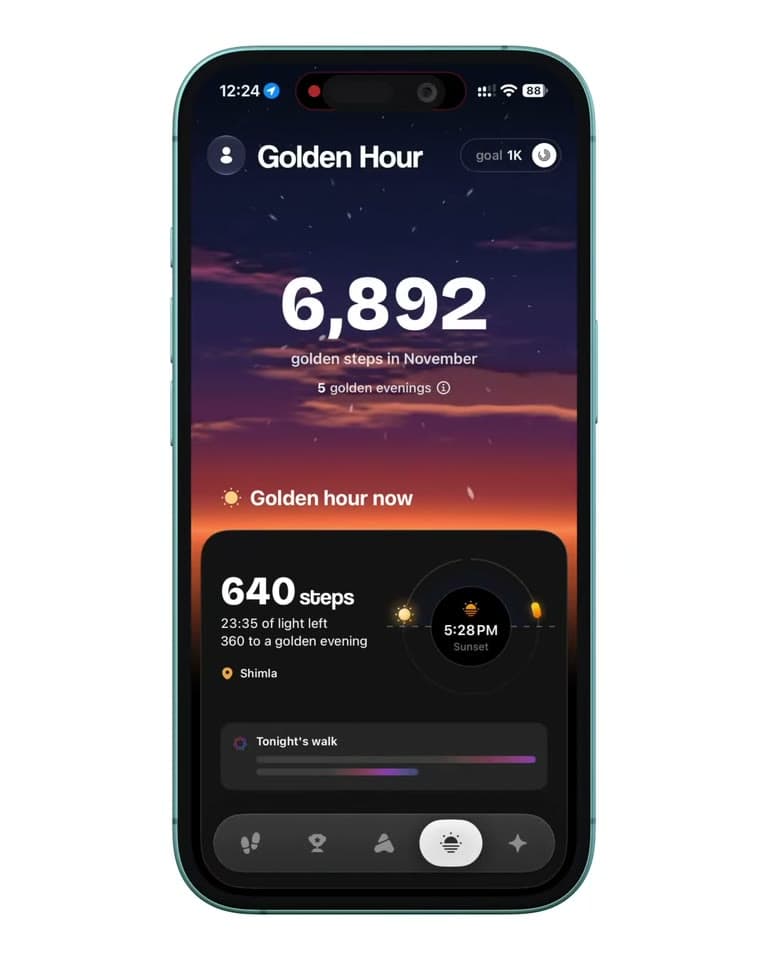
When golden hour starts in your town, tonight's sky, a reminder before it begins and a log of every evening you walked in it.
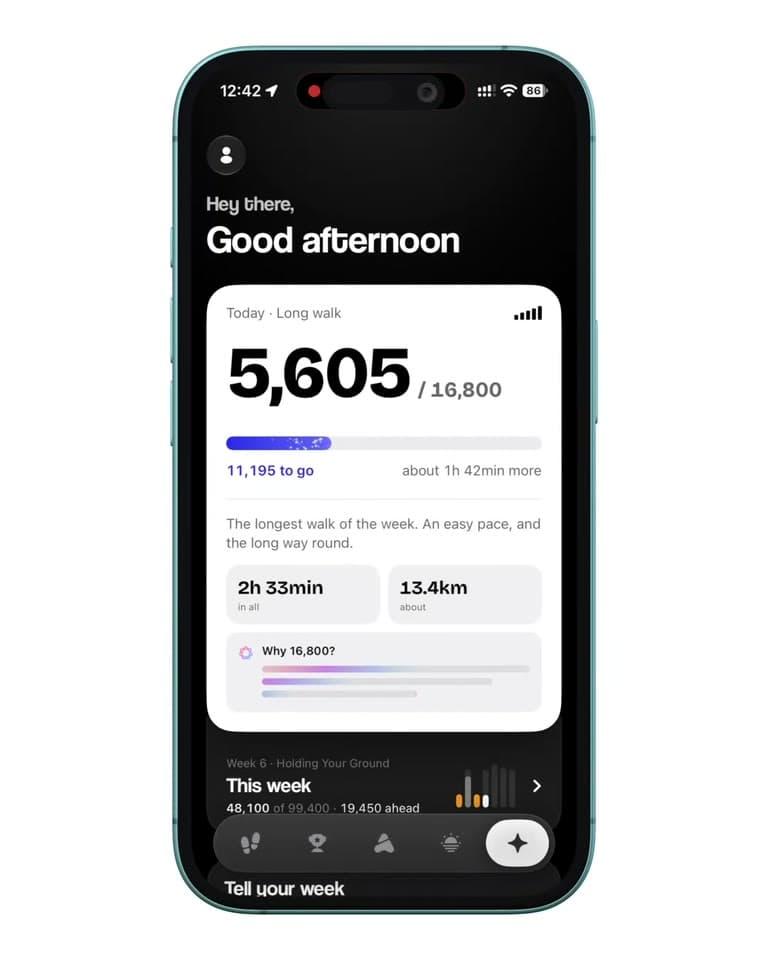
Built from your real history: each week asks a little more, never over 10%, and every week ends with a recap.
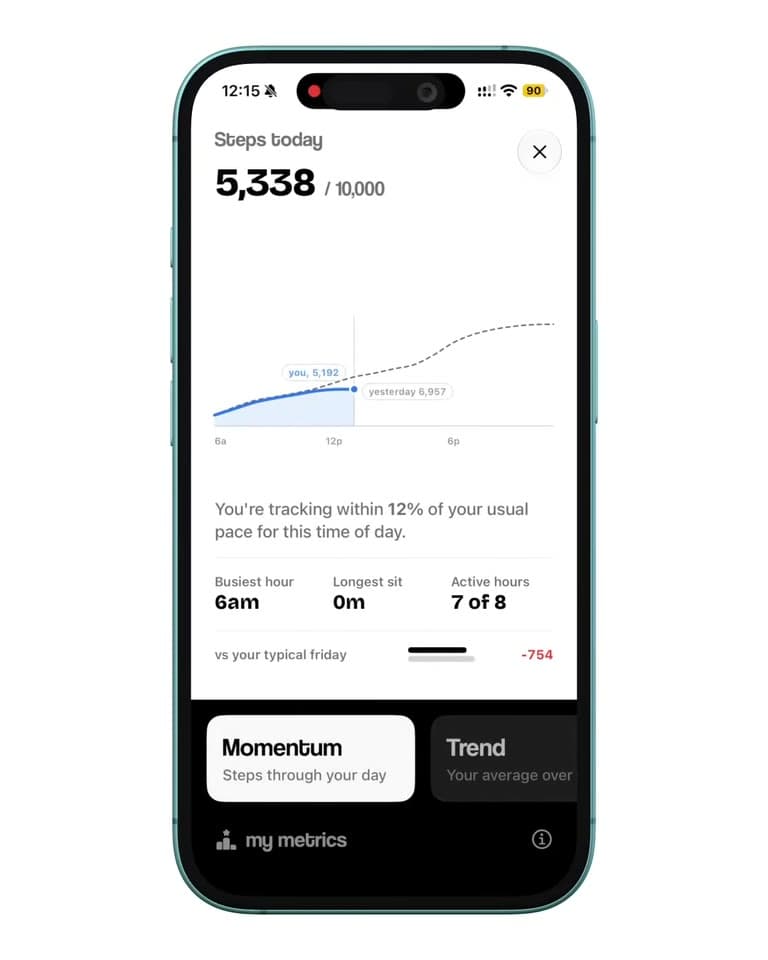
Momentum, Trend, Tempo, Pace and Climb free; Effort, Routine, Evenness and Fitness with Pro.
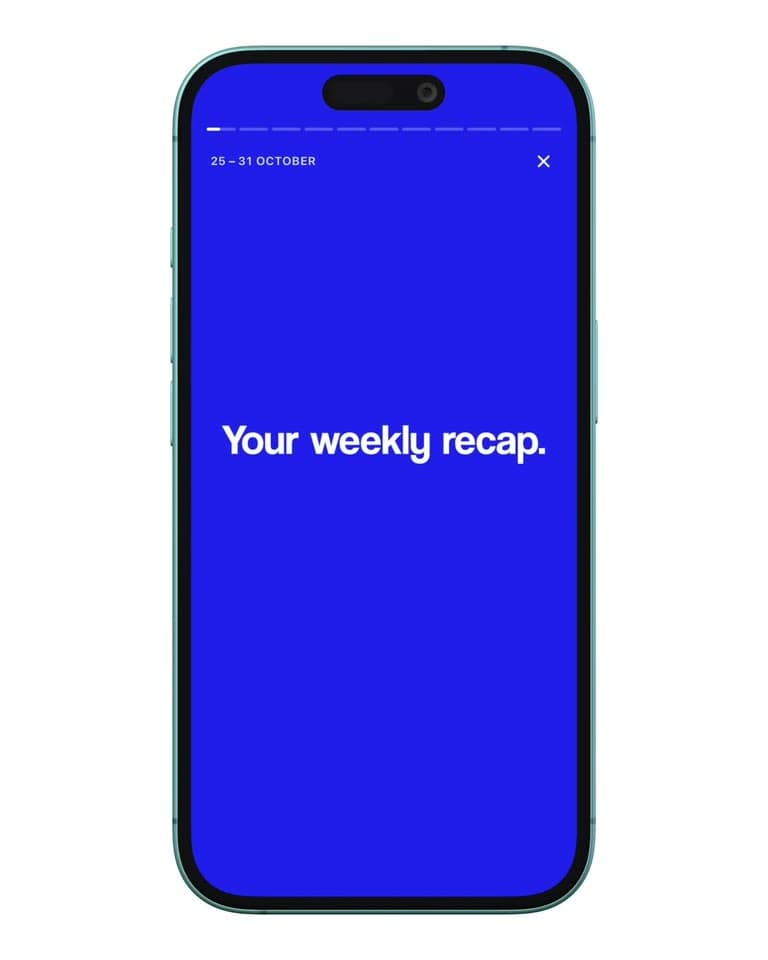
Twelve pages on how the week went, from your best day to your longest walk, and a film of it to share.

Pick a card from the deck, add your own photo or video, and post your day or your walk.
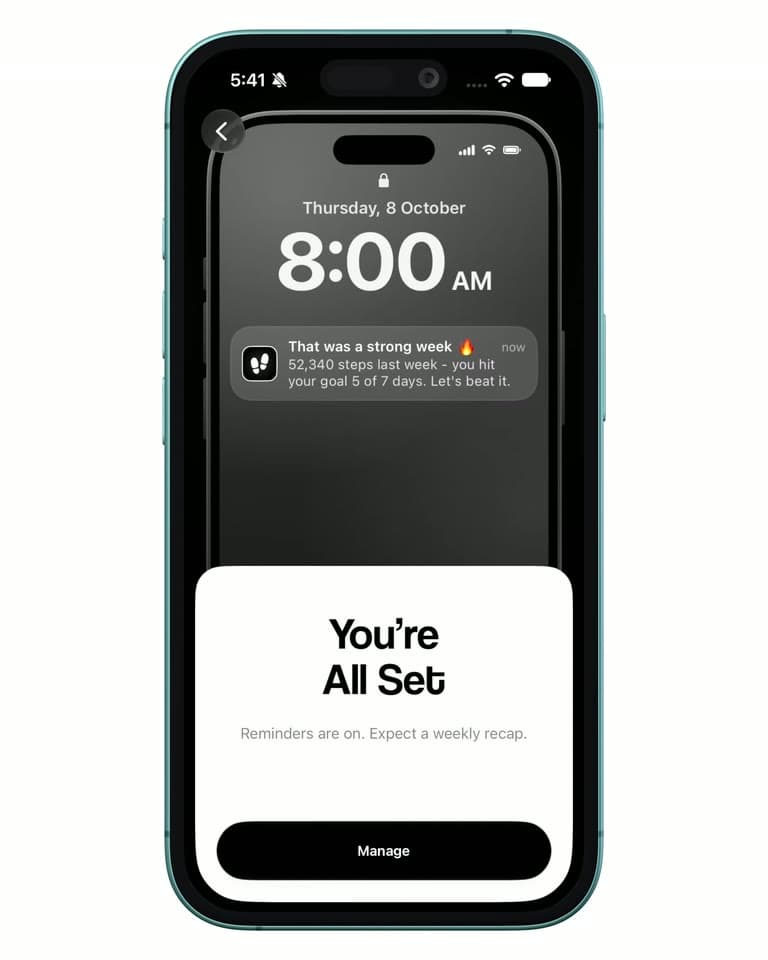
In the evening, where today stands against your goal, written from your own steps and worked out on your phone.
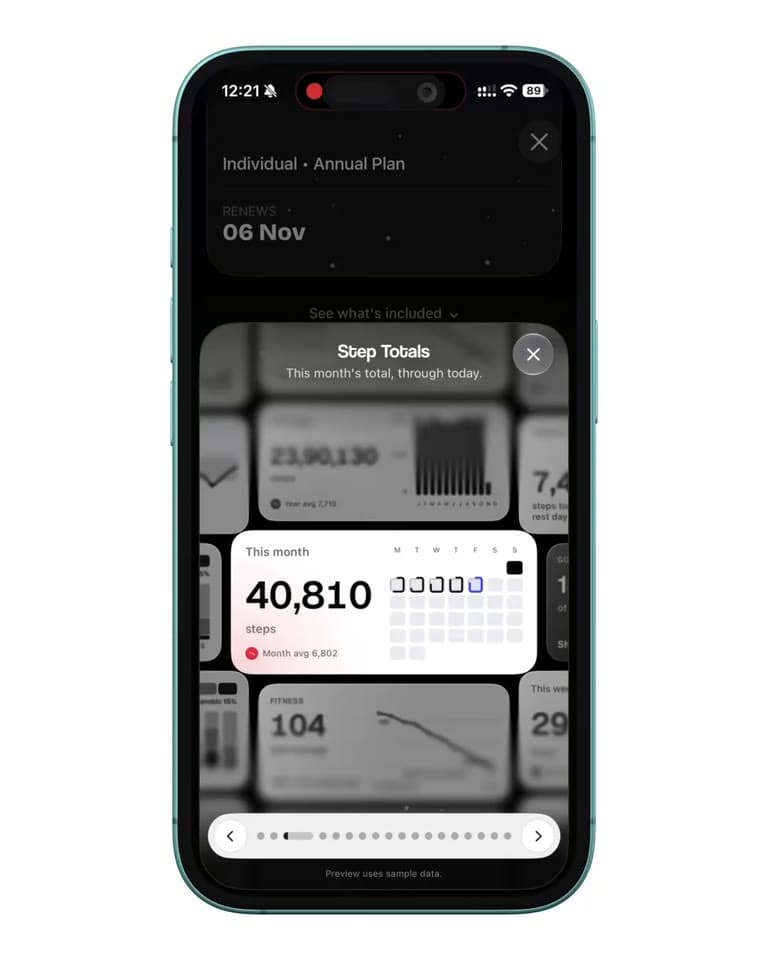
Seventeen widgets for your Home Screen and Lock Screen, from Daily Goal to Your Paths, Sky Clock and Walk to Goal.
Privacy
Steps, distance, calories, heart rate and gait are read from Apple Health and used only on your phone.
Your account and what you tell us: your name, your goals and your plan answers.
No ads, and nothing sold.
Keeps only your town, on your phone.

Apple Health asks before StepUp reads anything, one category at a time. Change it whenever you like in Settings › Health › Data Access & Devices.
Apple, the Apple logo, iPhone and Apple Health are trademarks of Apple Inc., registered in the U.S. and other countries.


FAQ
Something else? Write to support@getstepup.app. We will reply within 24 hours.
Yes. StepUp is free to download, and your steps, streaks, five of the nine metrics, recording walks with their route, the Apple Watch app, the Lock Screen widgets and four share-card themes are free, as are the walking plan and Golden Hour for your first week. StepUp Pro is optional: it adds the other four metrics, all your history, the full walking plan, Golden Hour, every widget, more Expedition routes and three more card themes. Everything free stays free.
No. Your iPhone counts your steps on its own, and StepUp reads them from Apple Health. If you have one, StepUp's Apple Watch app puts your goal and streak on your wrist, records walks with GPS and heart rate, and adds complications to your watch face. Pace, Effort and Fitness also need walking workouts and walking heart rate, which an Apple Watch records. Without one, those three stay quiet.
Any iPhone on iOS 17 or later. StepUp is built on Apple Health, so it needs an iPhone; its Apple Watch app runs alongside it on watchOS 11 or later.
Apple Health. StepUp doesn't count steps itself. It reads what Health already holds. If a number looks wrong, check it in the Health app first, and if the two disagree, write to us: that's a bug.
From your real walking history, not a fixed 10,000. The walking plan gives each day of the week its own target. Each week asks a little more, never over 10%, and ends with a recap.
No. Steps, distance, calories, heart rate and gait are read from Apple Health and used only on your phone, and the walks you record, routes included, are kept on your phone and in Apple Health. None of it reaches our servers. We keep your account and what you tell us: your name, your goals and your plan answers.
Apple handles every payment, so you cancel in Settings › your name › Subscriptions on your iPhone, at least 24 hours before the period ends. If Pro ends, nothing is deleted.
Yes. A Family plan shares Pro with up to six people in your Apple Family group. Each person has their own account and grants their own Apple Health access, and no one can see anyone else's steps.
Free on iPhone · iOS 17 or later
StepUp reads the walking you’ve already done in Apple Health and builds this week’s targets from it. All that’s left is the walk.